Authenticate with Firebase Using Google Sign-In
-
Open your firebase console.
-
Go to Sign-in method in Authentication.
-
Go to the Google. Enable the Save it.
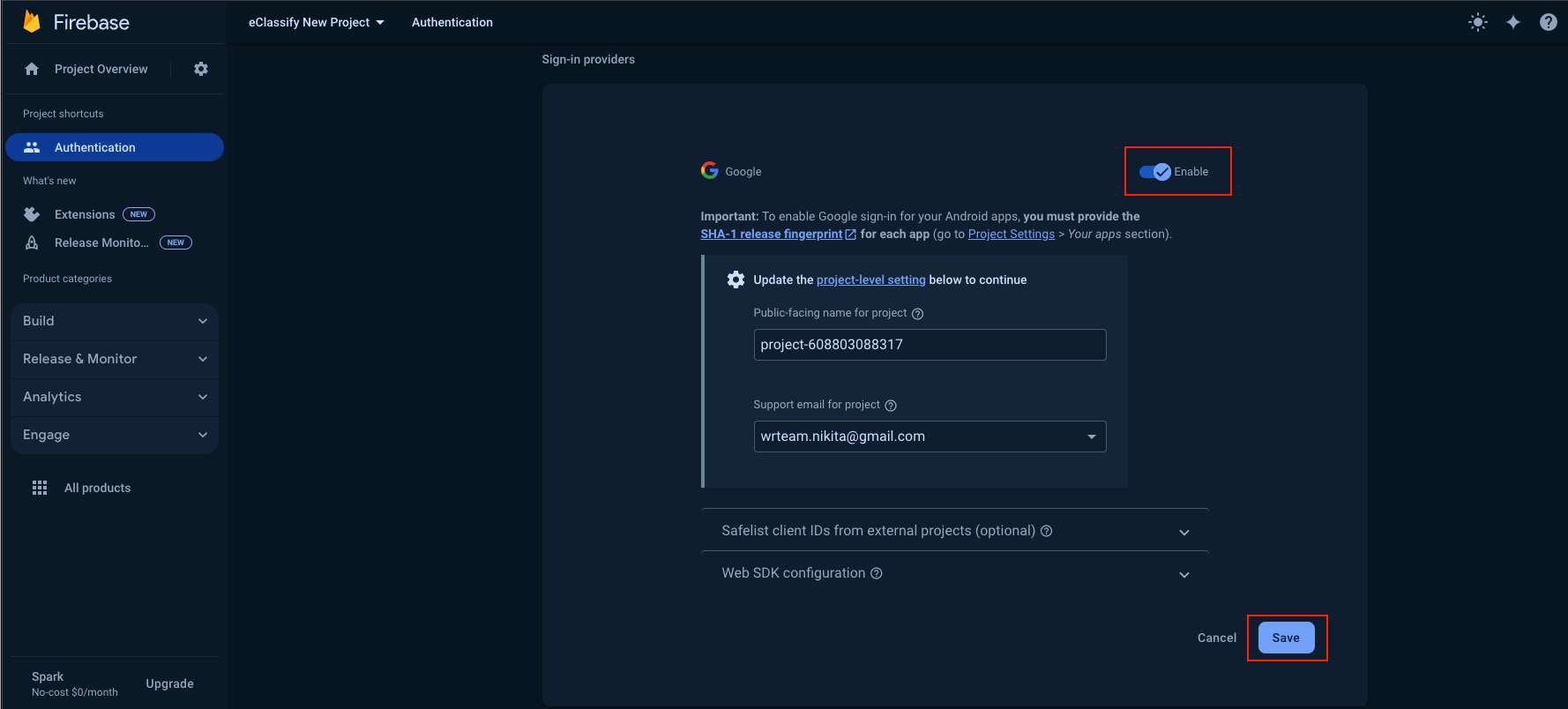
Android
important
Don't forget to add SHA1 and SHA256 keys in Firebase. For adding SHA1 and SHA256 keys in Firebase, please refer to our comprehensive guide. This step is crucial for enabling Google Sign-In in your Android app.
iOS:
important
For iOS authentication setup and URL scheme configuration, please refer to our comprehensive guide. This step is crucial for enabling Google Sign-In in your iOS app.